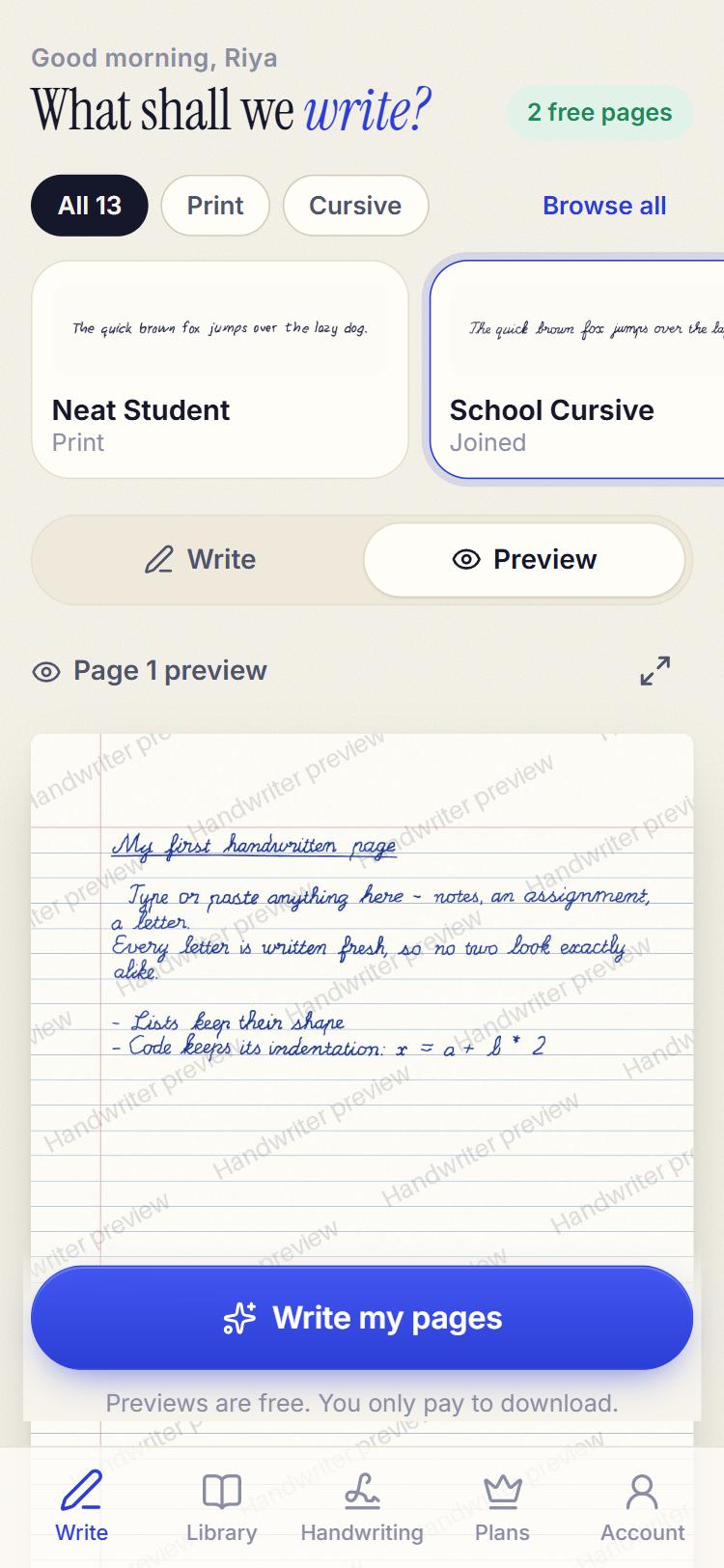
Pick a character
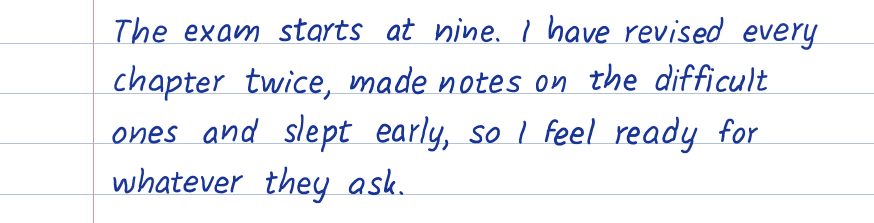
Best-handwriting neat: steady size, even spacing, no slips.
New 34 hands · your own variant · real crossings-out
Notes, assignments and letters, turned into pages that look genuinely written by hand — in neat print or joined cursive, on real notebook paper, down to the wobble of the line and the odd crossed-out slip.
Free · about 1.5 MB · opens full-screen, like any app
Try it right here
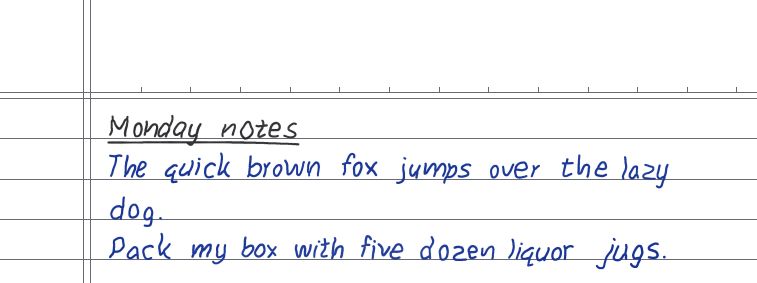
Pick a hand, a paper and a pen, then press Write it. Press it again — it never comes out the same twice.
Human touches
Nobody writes a whole page without a slip. Turn on spelling slips and, now and then, a word comes out wrong — recieve, thier, a letter doubled — gets struck out and written again. One quick line, two lines or a scribble, the way you'd do it.
~~teh~~ theMake it yours
Pick a character in one tap — or tune neatness, size, slant, spacing and pen yourself. And everyone gets a personal variant, so your pages never match your classmate's.
Best-handwriting neat: steady size, even spacing, no slips.
One hand, three people. Each variant keeps its own slant, spacing and letter habits on every page.



Ballpoint, gel, fine liner or a fountain pen's thick and thin — in blue, black, red, green, purple, pencil or any colour.
 Ballpoint
 Gel
Gel Fine liner
 Fountain
Why it doesn't look fake
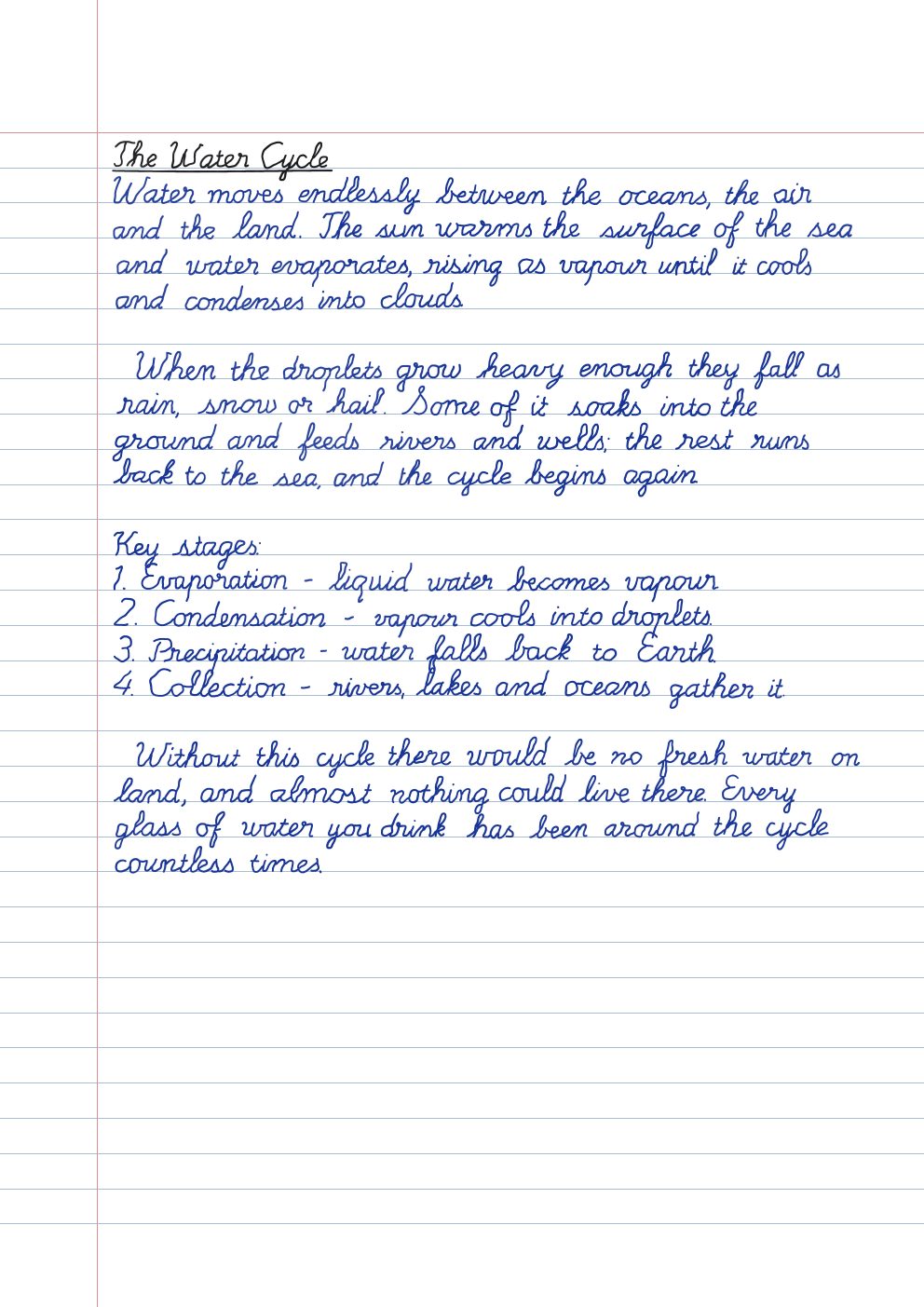
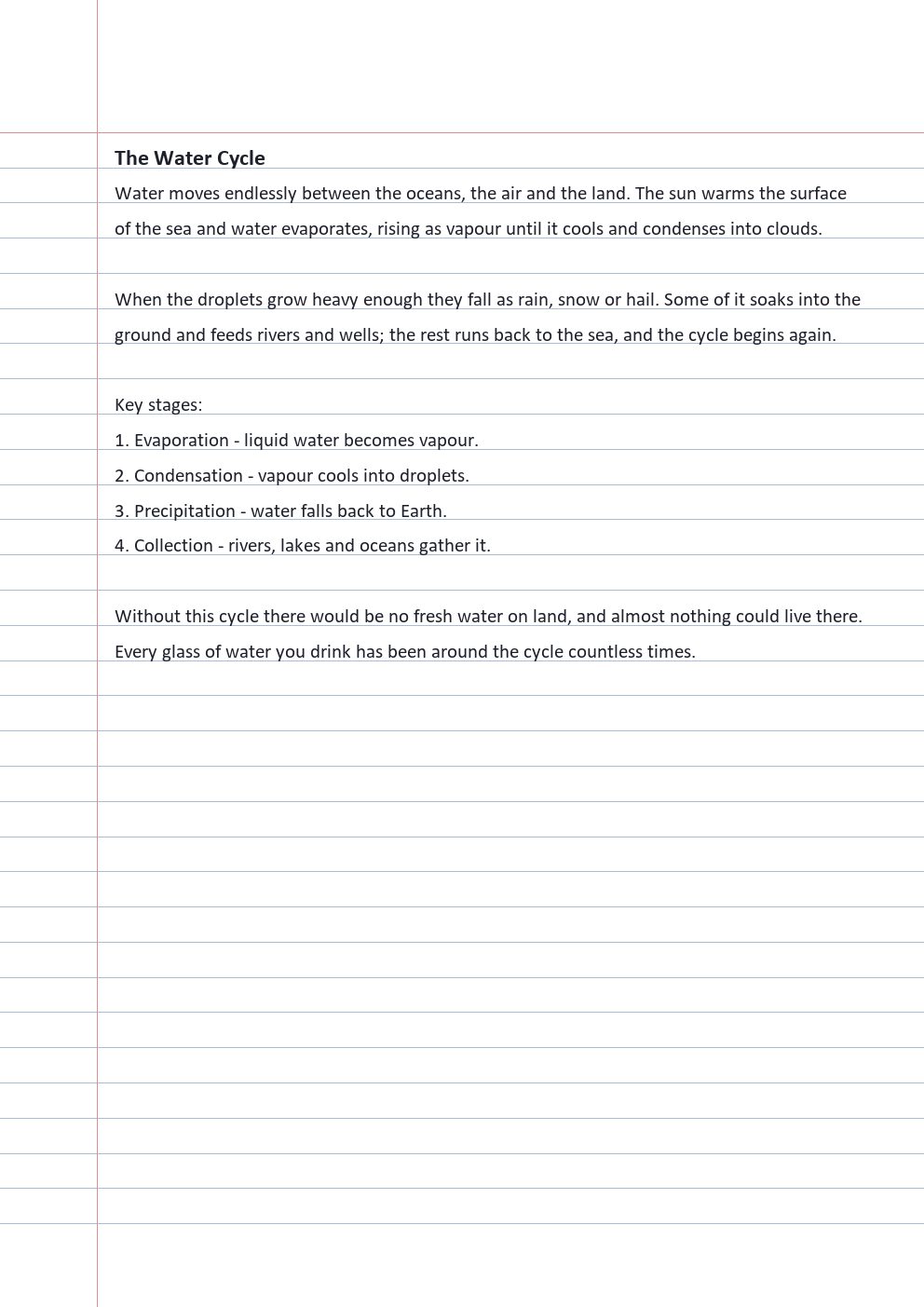
Type in a handwriting font and every “a” on the page is a copy of every other — the eye catches it long before it can say why. Handwriter writes every word fresh: bent, tilted and spaced a little differently each time, then redrawn with a real pen stroke.






Every word gets its own smooth bend; print letters tilt and space one by one. No two copies match.
Spacing, size and lean wander word to word. Words near the margin get squeezed in, like yours do.
Lines drift off the rule and back. The ink grains, feathers and fades like a real pen's.
The handwriting library
Neat print for assignments, joined cursive like you were taught at school, quick notes, a back-leaning left-hander, bubbly letters for cards. Pick one in a tap and change it any time.
Everything you need
The Indian assignment sheet, school notebook, ruled, college, yellow legal pad, plain, graph and dot grid — in A4, Letter or A5. Pure white, so they print clean.
Ballpoint blue, gel, black, red, green, purple, pencil — or any colour you like.
Line breaks and indentation stay exactly as typed. Start a line with # for an underlined
heading — in a second ink if you like. Symbols like + = < > / * # { } % are written too.
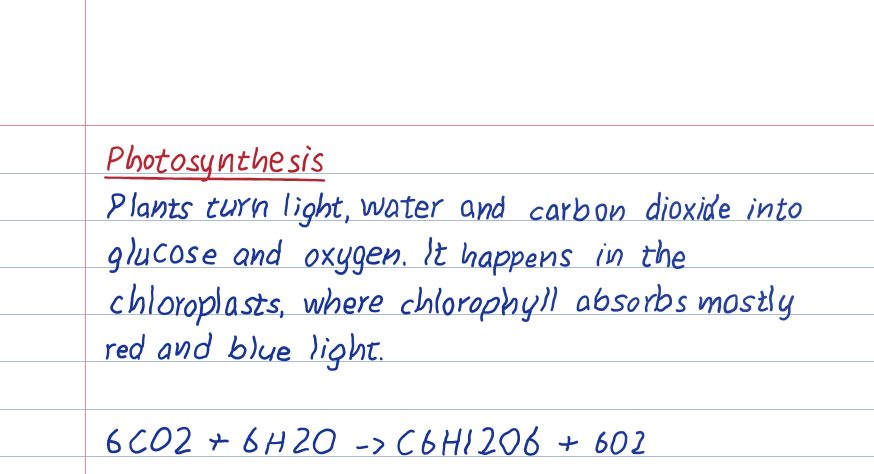
One switch and pages come out like a phone photo of paper on a desk — soft light, a slight angle, real shadows.
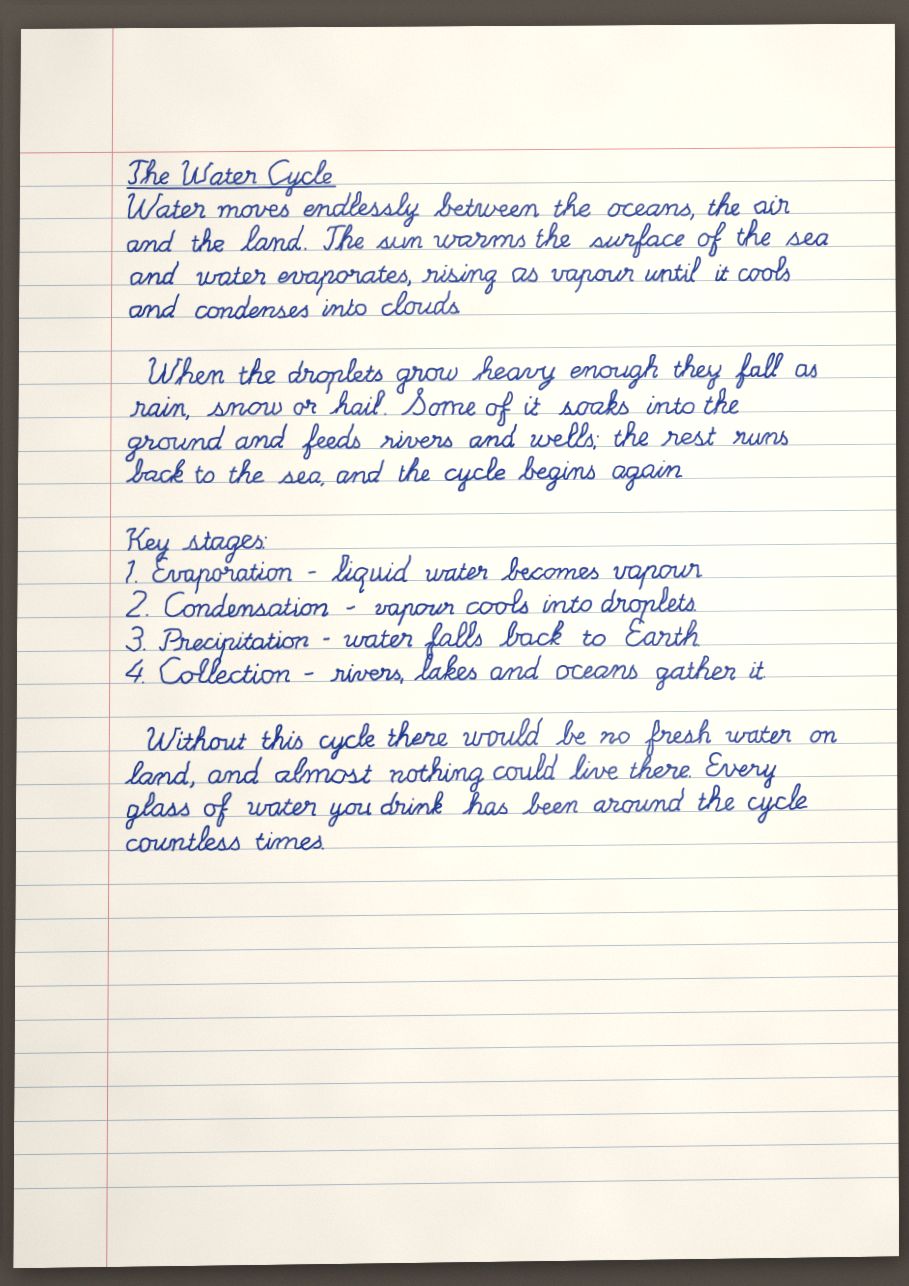
Cursive hands joined exactly as their designers drew them, from the Indian school hand to British Joined.
Download a compact PDF or page images, or share straight to WhatsApp and email.
Not quite right? One tap rewrites the page with fresh letters — same text, a new take.
Your documents are yours alone. Delete them, or your account, any time. Nothing is used for training.
Before & after
Drag the handle. Same words, same page — one of them looks like you sat down and wrote it.
How it works
Notes, an assignment, a letter. Headings, lists and code keep their shape; curly quotes and dashes from Word or Google Docs are converted for you.
34 handwriting styles, eight papers, four pens. Choose a character, tune it, and watch the free preview update as you go.
A compact PDF or page images, ready to print or share. ₹5 a page, or 100 pages a month with Pro.
Previews are free — no card needed to try it.
Pricing
Unlimited free previews on every plan, and 2 pages off your first order of 3 or more.
₹5/ page
For the occasional assignment, letter or card. No subscription, nothing to cancel.
₹150/ month
100 handwritten pages every month, for exam season and busy months. Cancel any time.
Paying per page saves you ₹50 this month.
On your phone
Get the Handwriter app on your phone — a small download that opens full-screen from your home screen and lives in your share menu: select text in any app, tap Share → Handwriter, and it's ready to write.
Free, about 1.5 MB, Android 5 or newer. Rather not download? Open this site in Chrome and tap Install app.
Questions
Yes — that's the whole point. Every word is written fresh with its own small distortions, print letters lean and space unevenly, lines drift off the rule, words squeeze in at the margin, and the ink is redrawn as a real pen stroke with pressure and grain. Repeat a word ten times and you get ten different words.
34 of them: neat print like Neat Student, Tidy Hand and Classroom Print; joined cursive like School Cursive, British Joined and French Loops; everyday hands like Quick Notes and Natural Print; and messier ones like Messy Pen and Hurried Scrawl. Previews are free, so try them all.
No. Every account gets its own personal variant of each hand — its own slant, spacing, size and the way it forms each letter — kept the same on every page you write. You can try another variant whenever you like, or switch it off.
An optional human touch. Now and then a word comes out misspelt the way people really slip — letters
swapped or doubled, the wrong "there" — and is crossed out and written again. Choose none, rare, some or
lots. You can also cross out anything yourself by typing ~~word~~.
Coming soon. You'll write a page, take a photo, and everything you type will come out in your own hand.
Previews are always free, as many as you like. Downloading costs ₹5 a page, or ₹150 a month for 100 pages with Pro (pages past 100 are ₹5 each). A new account gets 2 pages off its first order of 3 pages or more.
An account can be signed in on two devices at once — your phone and your laptop, say. Signing in on a third signs out the one used longest ago, so it's yours, not the whole class's.
Any time, from the Plans screen. You keep Pro until the end of the month you've paid for.
Letters, digits, punctuation and symbols like + = < > / * # [ ] { } % in every style. Curly quotes, dashes and accented letters are converted automatically. Hindi and other scripts aren't supported yet.
Yes — it runs in any modern browser. On iPhone, tap Share → Add to Home Screen to use it like an app.
Your documents stay in your library, visible only to you, until you delete them — and deleting your account removes everything. Nothing is sold or used to train anything.
Pick a hand. Type. Preview it free, download from ₹5 a page.
Start writing